Part of our guide: How to Estimate Calories Without a Food Scale: 5 Methods That Work
Key takeaways
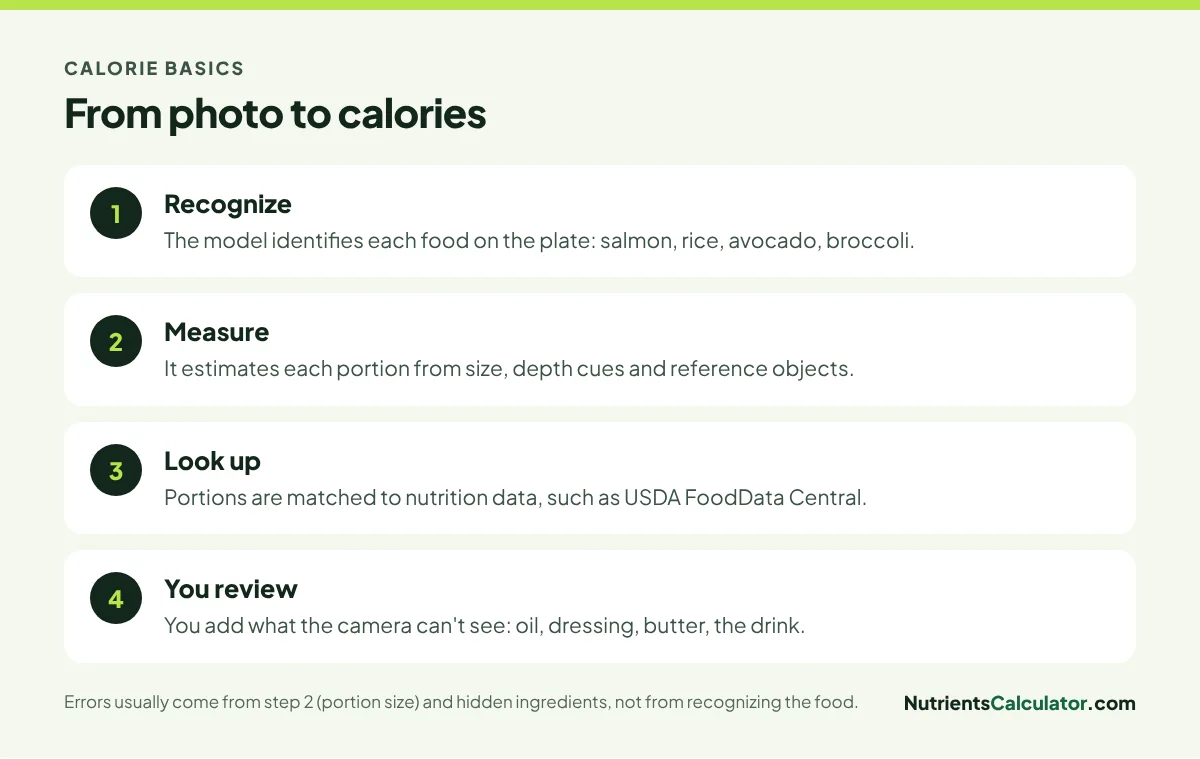
- Counting calories from a photo works in four steps: recognize the foods, estimate portions, look up nutrition, and let you review.
- They’re good at recognizing foods; the bigger errors come from portion size and hidden fats.
- The main benefit is speed, which helps you log consistently, the habit most linked to results.
- Treat the result as a draft: add oil, dressing, butter and drinks the camera can’t see.
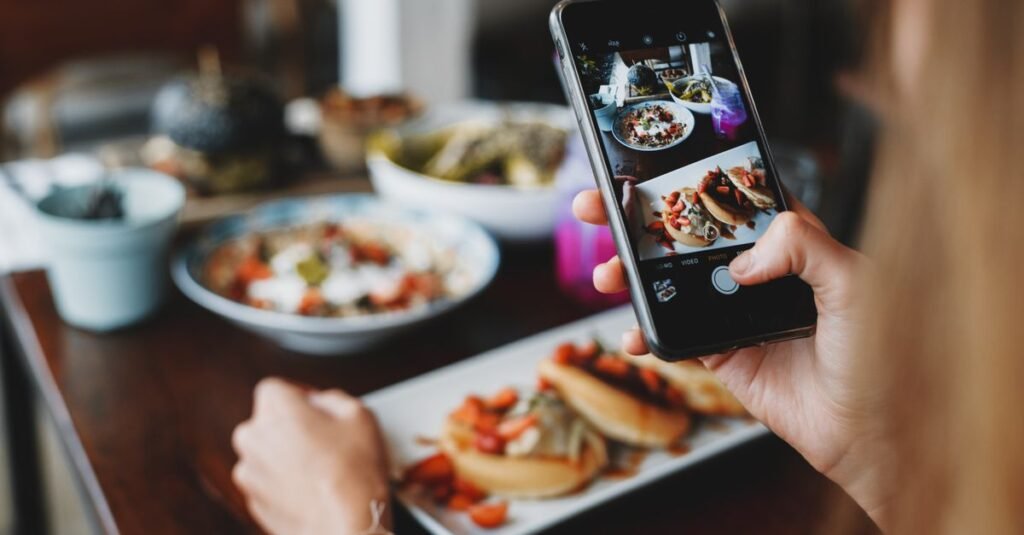
Taking a photo of your plate is the fastest way to log a meal: a few seconds instead of searching a database for every ingredient. Researchers have studied image-based dietary assessment for years, and AI models have recently made it practical in everyday apps (Boushey et al., 2017). But how does it work, and how much should you trust the number? This post is part of our pillar guide on estimating calories without a food scale.
How counting calories from a photo works
Step 1: Recognizing the food
Modern vision models are very good at identifying common foods: a salmon fillet, a mound of rice, half an avocado, broccoli florets. They’re trained on huge numbers of food images. Mistakes here are less common, though similar-looking foods (cauliflower rice vs rice, turkey vs chicken) can be confused.
Step 2: Estimating portions
This is the hard part. A photo is two-dimensional; the model has to infer volume and weight from size, shape, shadows and the plate or bowl. A known reference, like a fork or standard dinner plate, helps. Depth is the biggest challenge: a bowl of soup or a thick steak can hold much more than it appears.
Step 3: Looking up nutrition
Once foods and portions are estimated, the app looks up nutrition data, ideally from a reliable source such as USDA FoodData Central, and multiplies by the portion. This step is usually accurate for whole foods.
Step 4: Your review
The best apps let you correct the result: change “rice, 1 cup” to “rice, 1½ cups”, add the dressing, remove the garnish. This step is where you fix the predictable blind spots.
Etekcity Food Scale
0.1g accuracy — the perfect companion for exact portions.
Where photo estimates slip

- Hidden fats. Oil in the pan, butter on vegetables, dressing tossed into a salad: invisible in a photo, but often 100–300 calories. Restaurant food is especially prone to this; see estimating calories when eating out.
- Mixed dishes. Curries, casseroles, stews and pasta bakes hide their ingredients. The model guesses a typical recipe, which may not match yours.
- Deep bowls and piles. Volume is hard to judge from above. A deep bowl of pasta can be twice what it looks like.
- Stacked foods. Burgers, sandwiches and wraps hide their fillings.
- Drinks. A glass of juice, a latte or a smoothie can’t be identified reliably from a photo, and often isn’t in the frame.
- Unusual or regional dishes. Less common foods may be identified as something similar.
Notice that most of these are the same things people misjudge by eye. Photo estimates aren’t magic, but they’re consistent, and they’re quick.
How accurate is “accurate enough”?
Studies of image-based methods show accuracy varies a lot by app, food and meal, from close to the true value on simple plates to large misses on mixed or oily dishes. That sounds discouraging, but remember the goal of tracking: consistent records that show patterns over a week. Research on self-monitoring finds that consistency of logging is what predicts results (Burke et al., 2011). A quick photo log every day beats a precise manual log you abandon after a week.
For packaged foods, a barcode scan or the label is more accurate than a photo. Use photos for plates, and scans for packages.
9 tips for better photo estimates
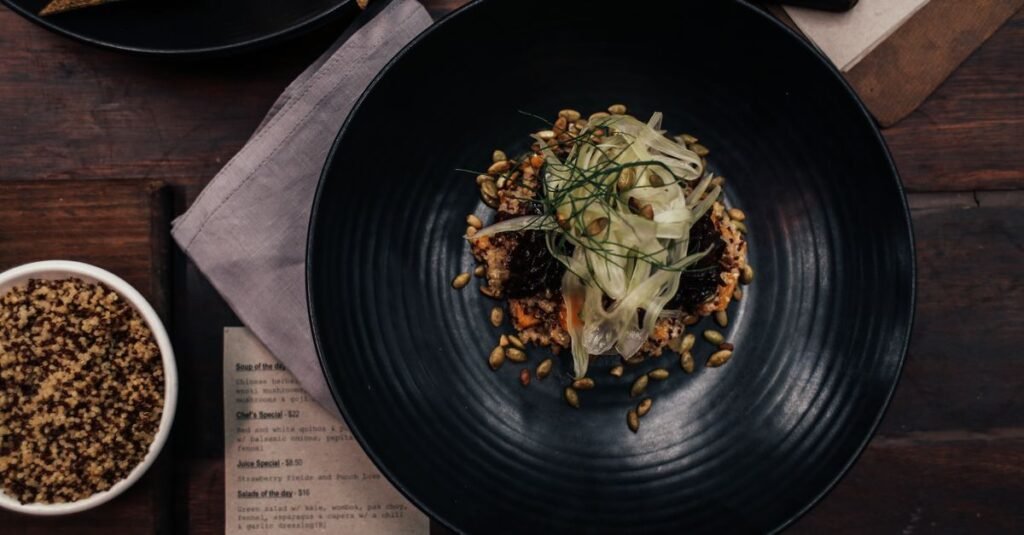
- Shoot at about 45 degrees, not directly overhead. It gives the model depth cues.
- Get the whole plate in frame, with a little space around it.
- Use good light. Daylight or bright overhead light; avoid heavy shadows.
- Include a fork or spoon for scale.
- Separate foods on the plate when you can, rather than piling them.
- Photograph before you eat, and photograph seconds separately.
- Add the invisible extras: cooking oil, butter, dressing, sauces, sugar in coffee.
- Log drinks separately.
- Adjust portions you know: if you served exactly one cup of rice, say so.
Train your own eye too
Using a photo analyzer for a few weeks also trains your intuition: you start to recognize what 600 calories looks like on a plate. Another quick way to sharpen your sense of portions is our free daily game, which shows five foods with serving sizes and asks you to guess the calories before revealing the USDA value.
When to use which logging method
| Situation | Best method |
|---|---|
| Plate of home-cooked food | Photo, then adjust oils |
| Packaged snack or drink | Barcode or label |
| Restaurant meal | Photo, plus posted calories if available |
| Same breakfast every day | Saved meal, one tap |
| Recipe you cook often | Save the recipe once |
Try it
Our free AI meal analyzer estimates calories, protein, carbs, fat and key vitamins and minerals from a single photo, using USDA nutrition data. Snap your next meal, check the result, and add anything the camera missed.
The bottom line
Photo calorie counting recognizes foods well and estimates portions reasonably, but it can’t see oil, butter, dressing or drinks. Use it for speed, take better photos, review the result and add the hidden extras. The real win is that logging becomes fast enough to do every day, and that’s what makes tracking work.
Frequently asked questions
How accurate are photo calorie counters?
They're generally good at identifying common foods and less precise at estimating portions and hidden fats. Accuracy varies widely between apps and meals, so treat the result as a quick draft and correct obvious misses.
Is photo calorie counting better than manual logging?
It's usually faster, which helps people log more consistently, and consistency matters more for results than precision. For packaged foods, scanning the barcode or reading the label is more accurate.
What foods are hardest for AI to estimate?
Foods with hidden fats (sautéed dishes, dressed salads, buttered rice), mixed dishes like casseroles and curries, foods in deep bowls, stacked foods like sandwiches and burgers, and drinks.
How can I get more accurate results from a food photo?
Shoot from about a 45-degree angle in good light, keep the whole plate in frame, separate foods when you can, include a fork for scale, and add sauces, oils and drinks yourself.
Sources
- Boushey CJ et al. New mobile methods for dietary assessment: review of image-assisted and image-based dietary assessment methods. Proc Nutr Soc, 2017
- Burke LE et al. Self-monitoring in weight loss: a systematic review. J Am Diet Assoc, 2011
- USDA FoodData Central
This article is for general information and isn’t medical advice. Talk to your doctor or a registered dietitian about your own needs, especially if you have a health condition, are pregnant or take medication.